

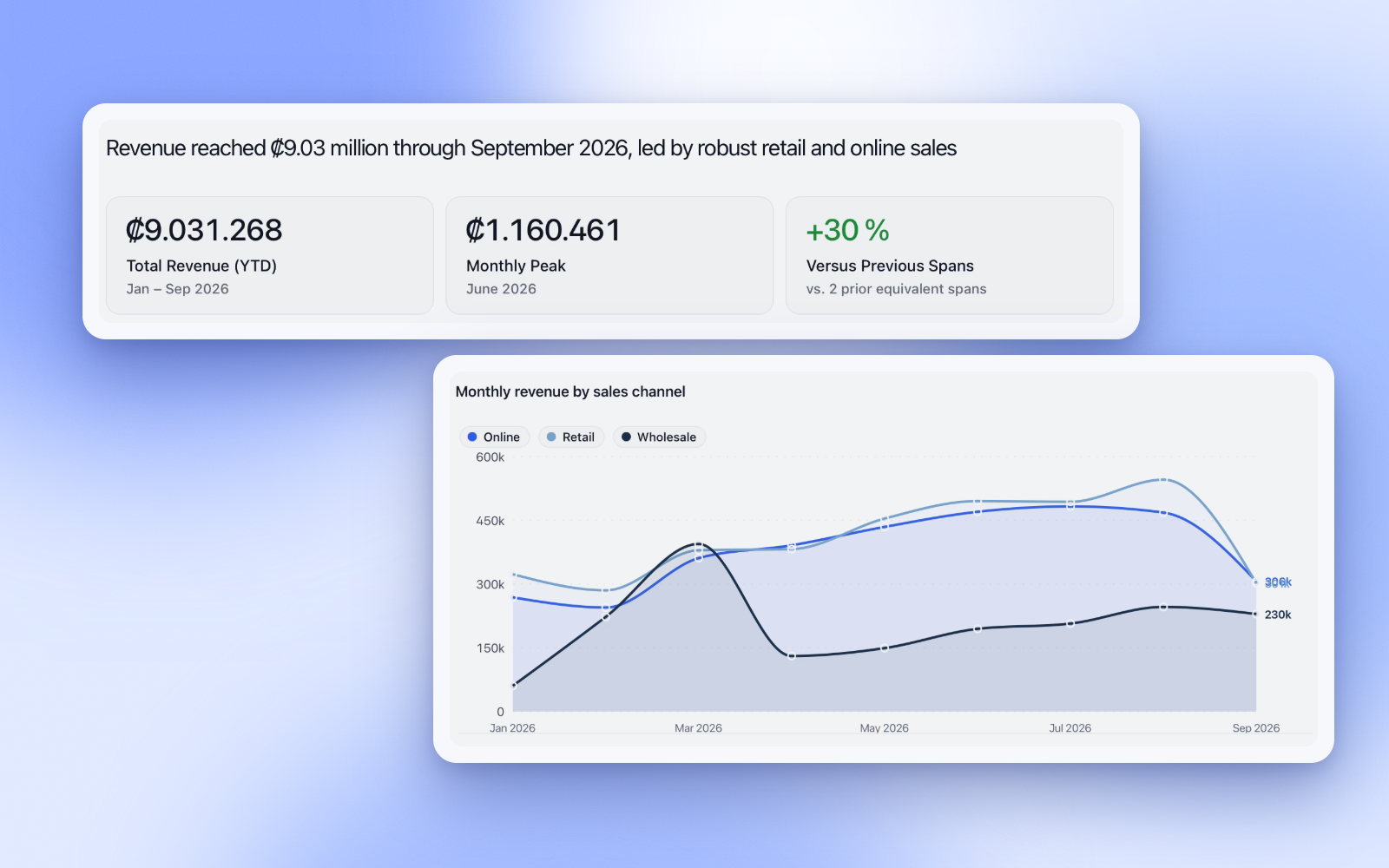
Ask
The number, the chart, and the queries behind it.
Database editor with AI/macOS and Windows
A database editor like DataGrip, with AI built in. Write, fix and optimize SQL, or ask in plain language and get answers from an expert in your business.
Spectre AI
on store
PostgreSQL, MySQL, and MariaDB.
Agent
Investigates and shows the SQL.
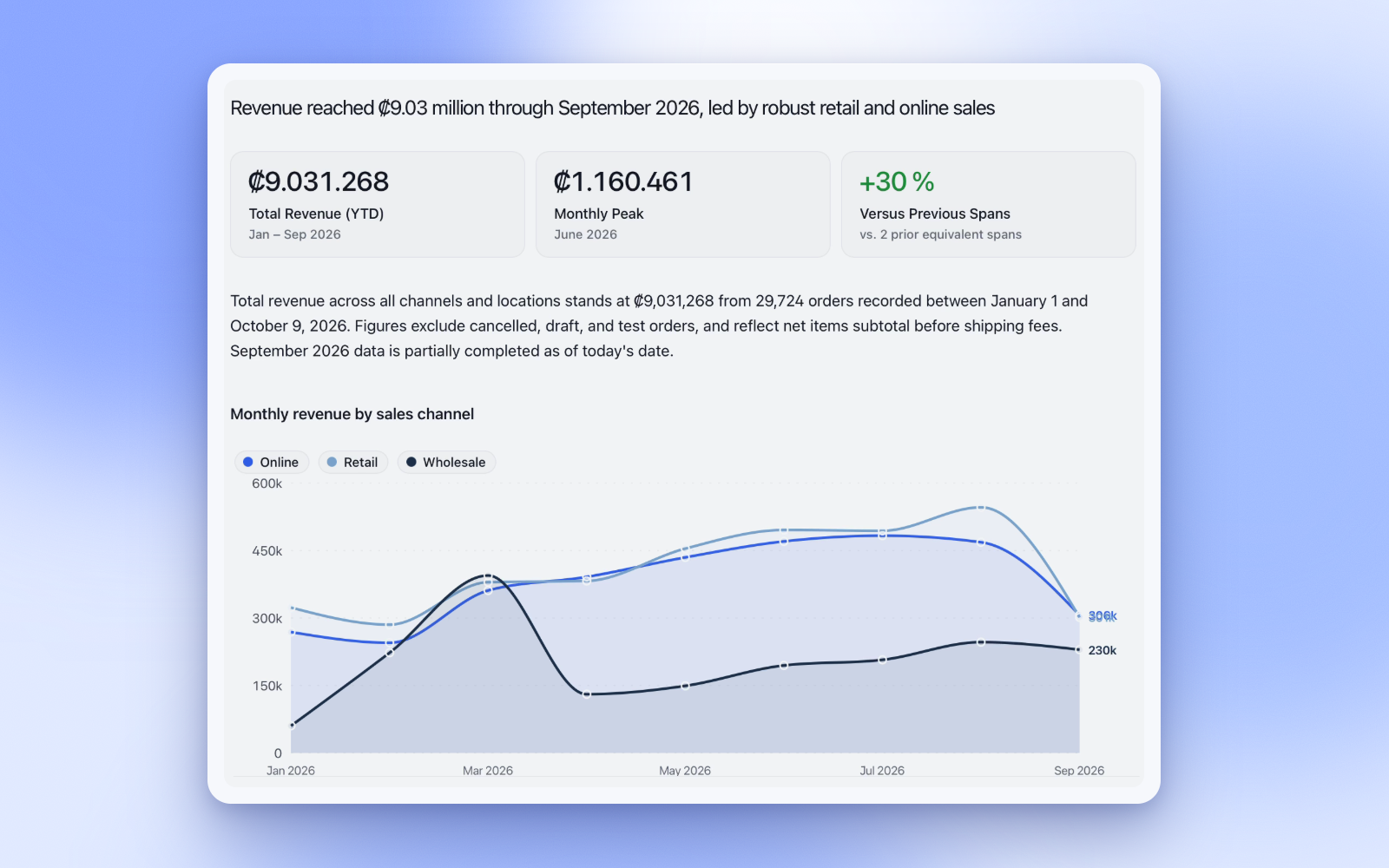
SQL
It proposes the change. You review it before anything runs.
Memory
Business memory
What “net sales” includes.
Semantic model
It already knows the tables.
@ mention
Point at a table or column.
PDF brief
The thread, ready to share.
Product
The number, the chart, and the queries behind it.
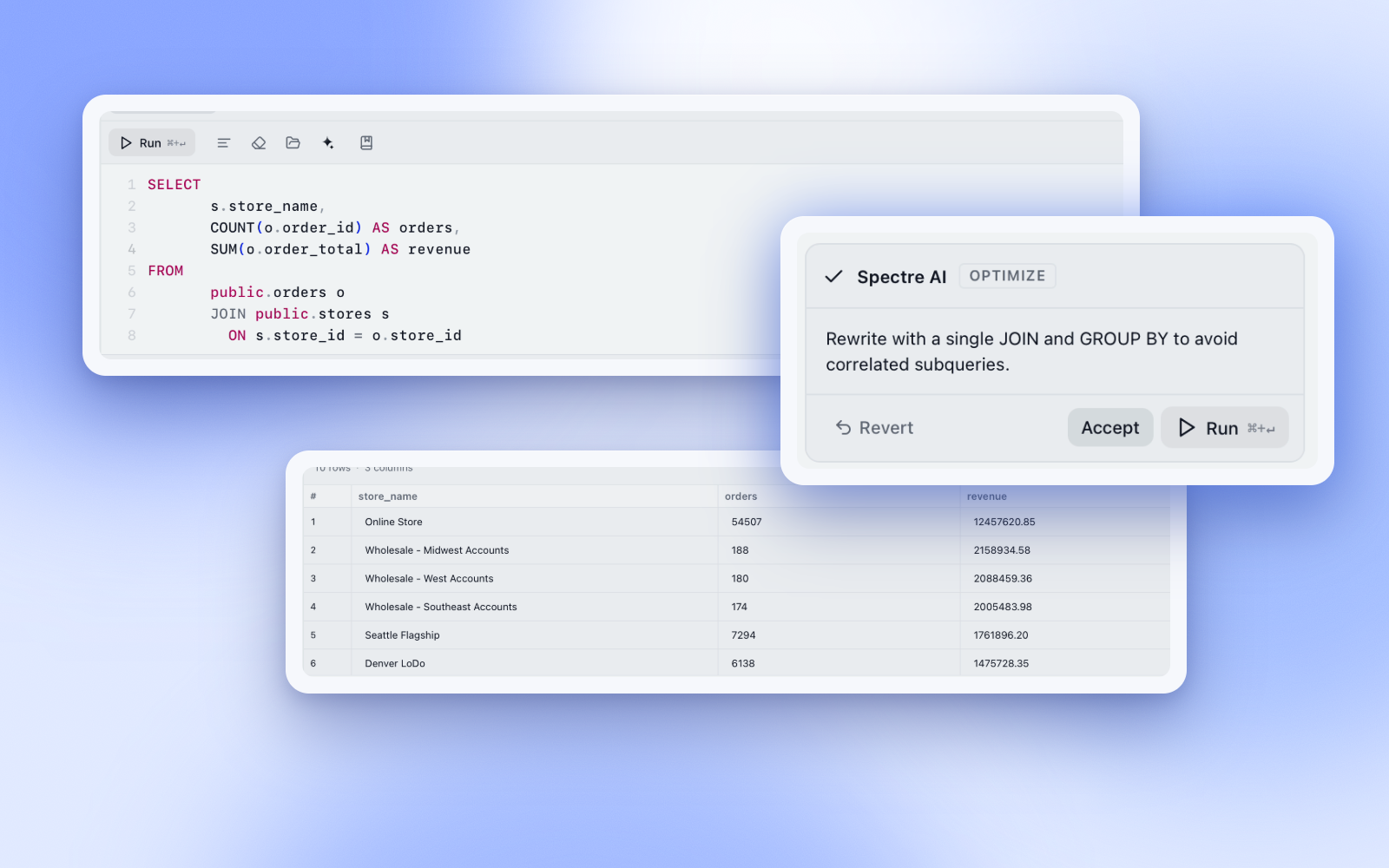
The statement already open in the editor.
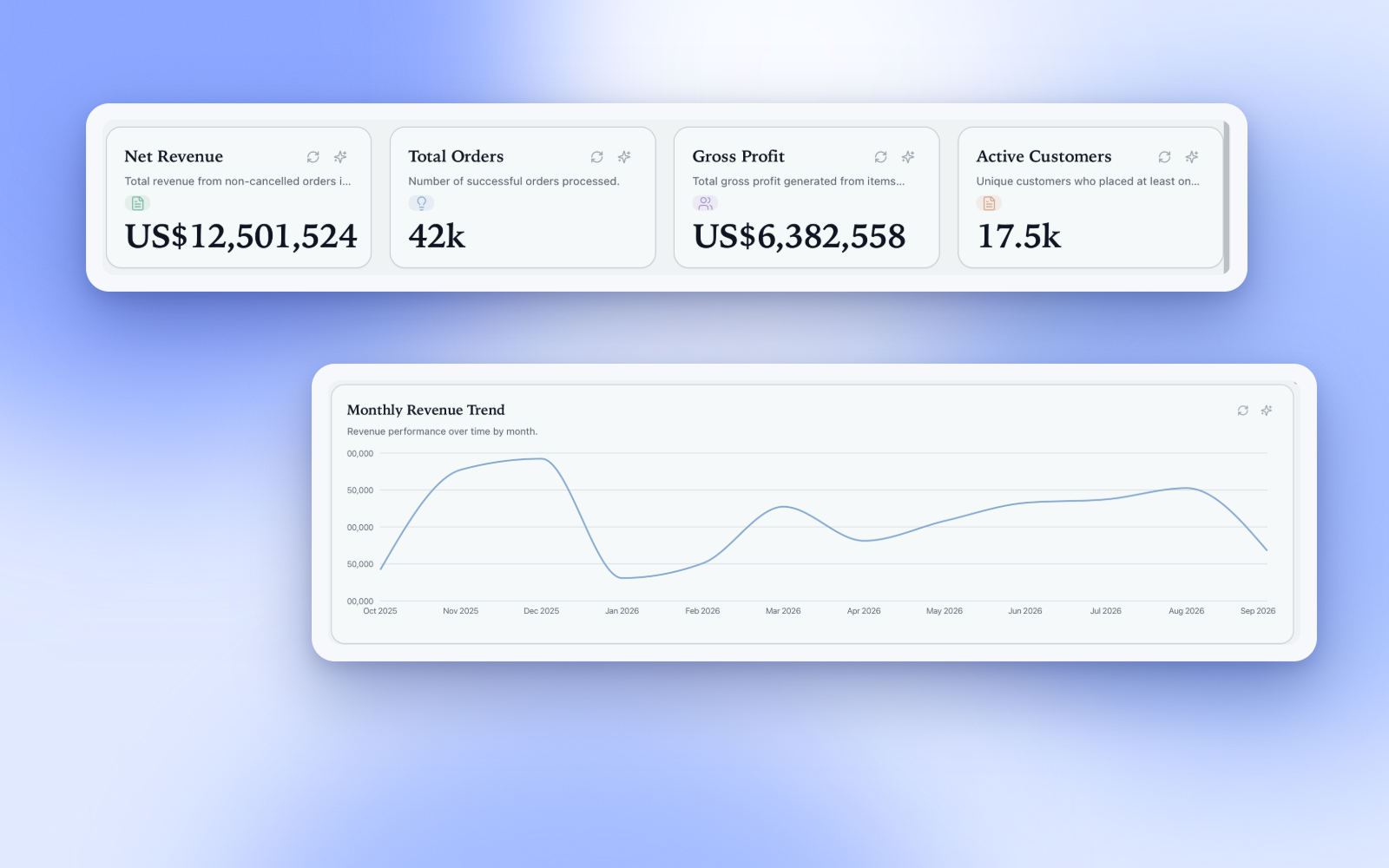
Metrics stay live on a dashboard.
Share
A link to a frozen snapshot.
Assistants
Spectre is an MCP server on your computer. Your assistant gets the schema, your business notes, and read-only queries. The data stays on your machine.
Open Spectre
Connect your database as usual.
Turn on Assistants
Settings → Assistants (MCP). Pick the connections to share.
Add your assistant
One click for Claude Desktop and Cursor. One copied command for Claude Code.
Claude DesktopCursorClaude Code
Then just ask
What the assistant gets
The schema
Tables, columns, keys and relations.
Your notes
What "active customer" or "sale" means in your business.
Read-only SQL
It can query. It can never write.
Listens only on 127.0.0.1 behind a secret. Passwords stay in the keychain, personal data can stay masked, and if Spectre is closed your assistant opens it.
Security
Keychain
Passwords never leave the OS.
Direct
The app opens the connection.
SSH
When the database sits behind a bastion.
Masked
Emails and phones stay off the model.
Writes wait
Nothing destructive runs on its own.
No account
The studio works locally.
Pricing
Free and Pro are for one person. Enterprise is for a team: one price, one AI budget the whole team shares.
One person — share workspaces.
$0
AI usage included every month
One person — much more AI for daily work.
$19/mo
10× more AI than Free
Your team — one AI budget shared by every member.
$29/mo
18× more AI than Free, shared by your team
Pro and Enterprise can buy extra AI anytime. Move up or cancel whenever you want.
A desktop database client for macOS and Windows with an AI agent built in. You can write SQL, edit data and design schemas like in any studio — or ask questions in plain language and let the agent investigate.
PostgreSQL, MySQL and MariaDB. Local or remote, with SSL, and through an SSH tunnel when the database is only reachable from a bastion.
Connections go directly from the app to your database, and passwords stay in your OS keychain. When you use the AI, it receives your question, schema metadata and small, capped result previews — never a copy of your database.
Only if you let it. Query and Design modes never execute anything, Plan mode waits for your approval, and destructive statements always ask for confirmation with a preview of the affected rows.
No. Analysts can ask in plain language and get business briefs. Developers get the full SQL as evidence, and can open it in the editor at any time.
Yes, if you turn on Assistants (MCP). They can see the schema, your business memory, and run read-only queries on the connections you share. The server listens only on your machine. Passwords stay in the keychain, and personal data can stay masked.
Yes. Spectre is a public beta for macOS (Apple Silicon) and Windows. Download it, create a free account, and tell us what breaks or what is missing at hello@spectredbstudio.com.
Free to start. Create your account the first time you open it.
Beta build: if macOS says it can’t verify the app, open System Settings → Privacy & Security and choose “Open Anyway”.
PostgreSQL · MySQL · MariaDB · macOS · Windows
Contact